How Google AI Mode Actually Works: Query Fan-Out, Gemini, and the Search Behind the Search
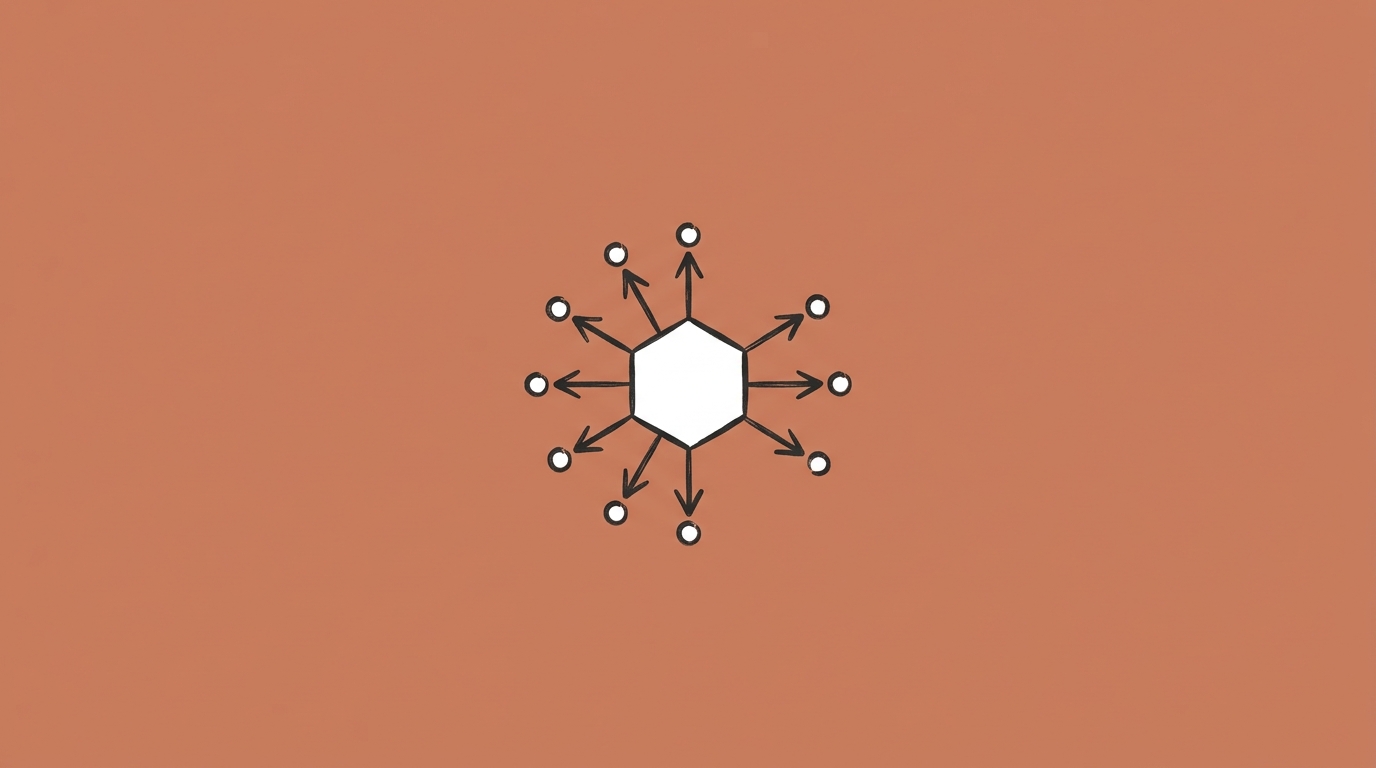
Google AI Mode does not run one search. It runs dozens. When you type a question into AI Mode, a system called query fan-out breaks your question into 8-12 smaller sub-queries, sends them all out simultaneously, pulls results from hundreds of web pages, and uses Gemini 2.5 to synthesize everything into a single, cited answer. This process is what separates AI Mode from traditional search, and understanding it changes how you think about both using search and creating content for it.
The engineers at Google call this "going beyond information to intelligence." The practical version is simpler: AI Mode does in five seconds what used to take you twenty minutes of opening tabs. I have watched this process run on dozens of complex queries, and the depth of what happens behind a single search box is the part most people underestimate.
What Is Query Fan-Out and Why Does It Matter?
You are a head chef running a kitchen during a dinner rush. A customer sends back a complicated order: "I want something like the salmon but without dairy, and can you make the sauce closer to what I had last time, and also my friend wants the same thing but vegetarian."
You do not try to solve this alone. You turn to your sous chef: "Handle the salmon substitution." You call the line cook: "Figure out the dairy-free sauce." You ask the prep station: "What is the vegetarian version of this dish?" Everyone works at the same time. Five minutes later, the table gets exactly what they asked for.
That is query fan-out. One complicated request, broken into parallel tasks, each handled by a specialist, then reassembled into a single answer.
In technical terms, here is what happens when you type a question into AI Mode:
Step 1: Intent analysis. Gemini 2.5 reads your full question and determines what you are actually trying to accomplish. Not just the words, but the intent behind them. "Best laptop for video editing under $1,500" is a comparison task with a budget constraint and a performance requirement.
Step 2: Sub-query generation. The model generates 8-12 related search queries that cover different angles of your question. For the laptop query, it might generate: "best laptops for video editing 2026," "laptops with dedicated GPU under $1500," "video editing laptop RAM requirements," "MacBook Pro vs Windows for Premiere Pro," and several more.
Step 3: Parallel retrieval. All sub-queries run simultaneously through Google's search index. Each one returns its own set of results, pulling from different pages across the web. This is the key difference from regular search, which runs one query against the index.
Step 4: Synthesis. Gemini 2.5 reads through the results from all sub-queries, cross-references the information, resolves contradictions, and builds a single coherent response with citations back to the original sources.
Step 5: Delivery. You see one answer. Clean, structured, with citation links throughout. The entire process takes seconds.
For complex research requests, Google's Deep Search feature pushes this even further. Instead of 8-12 sub-queries, Deep Search can issue hundreds, scan thousands of web pages, and conduct automated follow-up searches based on what it finds in the initial results. The output is a fully cited research report, according to Google's blog post on AI Mode updates.
What Role Does Gemini 2.5 Play?
Gemini 2.5 is Google's most capable AI model, and it is the engine inside AI Mode. Gemini is what Google calls a multimodal model, which means it can process text, images, audio, and video. In AI Mode, Gemini handles several jobs at once.
First, it analyzes your query. This is not keyword matching. Gemini uses what Google calls "advanced reasoning" to understand compound questions with multiple constraints. When you ask "What is the best way to invest $50,000 if I am 35, have no debt, already max out my 401k, and want to retire at 55?", Gemini parses every constraint as a separate variable.
Second, it generates the sub-queries for fan-out. The model decides what additional searches are needed to fully answer your question. This is not a template. Each question generates a unique set of sub-queries.
Third, it synthesizes the results. After fan-out returns content from across the web, Gemini reads, compares, and organizes that content into a structured answer. It resolves conflicts between sources ("Site A says the price is $299, Site B says $349, the official page says $299"), attributes claims, and adds citations.
The difference between Gemini 2.5 in AI Mode and earlier Gemini versions is the reasoning depth. Gemini 2.5 introduced what Google calls "thinking" features, where the model explicitly reasons through steps before generating an answer, similar to chain-of-thought reasoning. This is why AI Mode can handle questions that require weighing tradeoffs ("Is it worth paying more for the MacBook Pro if I mostly edit in DaVinci Resolve?") instead of just retrieving facts.
How Can You See the Sub-Queries AI Mode Generates?
This is the part that matters if you create content for the web.
AI Mode does not show you its sub-queries. You see the final answer, but not the 8-12 searches it ran in the background. On Perplexity, by contrast, you can see the underlying searches in a "tasks" panel.
The team at Exposure Ninja found a workaround. Because AI Mode runs on a version of Gemini 2.5, you can run the same query in Gemini directly (at gemini.google.com) and expand the "thinking" panel to see the underlying searches the model generates. Those searches are not identical to what AI Mode uses, but they are close enough to reveal the sub-query landscape.
For example, the query "I want to find the best CRM for my business, it needs to manage my 10,000 mailing list and log sales calls" generates sub-queries like:
- Best affordable CRM for small business with 10K contacts
- CRM pricing for 10,000 contacts
- CRM sales call logging features
- CRM with email marketing for 10K subscribers
- Best CRM for contact management and sales tracking
If you run a CRM comparison site, that list tells you exactly which pages you need. Not just "best CRM," but specific pages about pricing for 10K contacts, call logging features, and email marketing integrations. Each sub-query is a page that could get cited.
This is why content strategy for AI Mode is fundamentally different from traditional SEO. In traditional search, you optimize one page for one keyword. In AI Mode, you need a cluster of pages that cover the full range of sub-queries the model might generate.
(We covered this strategic shift in AI Mode Won't Kill Your Website Traffic (If You Do This).)
How Does AI Mode Handle Different Types of Input?
Text is just the starting point. AI Mode accepts voice, camera input, and image uploads, and it processes each one differently.
Voice queries work the same as text but tend to be longer and more conversational. People speak in full sentences when they talk to AI Mode, which generates more sub-queries because there is more context to decompose. "Hey Google, I need to find a birthday gift for my dad who is 65, retired, loves woodworking, and already has most of the basic tools" is a natural voice query that would feel awkward to type.
Camera and image input uses Gemini's multimodal capabilities. When you take a photo of a plant and ask "Is this safe for dogs?", Gemini identifies the plant species from the image first, then searches for toxicity information. When you photograph a product in a store and ask "Can I find this cheaper online?", Gemini identifies the product, then searches for pricing across retailers via Google's Shopping Graph.
Image uploads work similarly. You can upload a screenshot, a photo of a document, or an image from your camera roll and ask questions about it. The model processes the visual content and combines it with your text query before running fan-out.
The multimodal piece matters because it generates sub-queries that you would never type. A photo of a broken faucet plus the question "How do I fix this?" generates sub-queries specific to that faucet model, parts, and repair techniques. Those sub-queries lead to content that is extremely specific, which means niche, detailed content wins over generic how-to guides.
What Are the Limits of AI Mode?
AI Mode is impressive, but it has clear boundaries.
Accuracy is not guaranteed. AI Mode can misinterpret sources, combine information incorrectly, or present outdated data as current. Google includes a disclaimer that AI Mode is experimental and may make mistakes. For anything high-stakes, medical, legal, or financial, verify the cited sources yourself.
It does not have access to everything. AI Mode searches the open web. It does not have access to paywalled content, private databases, internal company documents, or content blocked by robots.txt. If the best information on a topic is behind a paywall, AI Mode cannot use it.
Personalization is limited without opt-in. The full Personal Intelligence feature, where AI Mode uses your Gmail and Photos data, requires a paid Google AI Pro or AI Ultra subscription. Without it, AI Mode's personalization is limited to basic location and search history signals.
Follow-up context has limits. While AI Mode remembers your conversation, the context window is not infinite. Very long conversations or rapid topic shifts can cause the model to lose earlier context. If your conversation goes past 10-15 exchanges on a complex topic, starting a new chat may give better results.
Not every query benefits from AI Mode. Simple factual lookups ("capital of France"), navigational queries ("Amazon login page"), and queries with a single correct answer are faster in regular search. AI Mode adds overhead that does not help when the answer is straightforward.
Here is my honest assessment: AI Mode is a research tool, not an answer machine. It is excellent at synthesizing information from across the web when the question is complex. It is not a replacement for critical thinking or source verification.
Why Does This Matter for Anyone Creating Content?
The traditional search model was simple: rank for a keyword, get traffic. AI Mode changes the equation because it does not just look at pages ranking for your keyword. It looks at pages ranking for every sub-query it generates.
This means a page that ranks #30 for your main keyword but ranks #3 for a specific sub-query can get cited in AI Mode. Depth on specific sub-topics matters more than broad coverage of the main topic.
According to research from Ahrefs, 31% of AI Overview citations come from pages ranking 11-100, and another 31% come from pages not in the top 100 at all. AI Mode's fan-out process almost certainly widens this further, since it searches across more sub-queries than AI Overviews do.
The practical takeaway for content creators: stop thinking about ranking for one keyword. Start thinking about covering the full sub-query landscape. Use tools like "People Also Ask" data, related searches, and even the Gemini thinking panel to map out what sub-queries your topic generates. Then build content that answers each one with specific, detailed, cited information.
That is what gets cited. Not word count. Not keyword density. Not how many times you repeat your target phrase. Specific answers to specific sub-questions, organized in a structure that AI can parse. Everything else is noise.
Sources
- Google Blog — AI in Search: Going beyond information to intelligence
- Google Help — Get AI-powered responses with AI Mode in Google Search
- Google Search Central — AI Features and Your Website
- Google Blog — Expanding AI Overviews and introducing AI Mode
- Google — Google AI Mode official page
- Google Blog — New ways to interact with information in AI Mode
- Google Blog — AI Mode adds personalization, agentic features

Founder, Tech10
Doreid Haddad is the founder of Tech10. He has spent over a decade designing AI systems, marketing automation, and digital transformation strategies for global enterprise companies. His work focuses on building systems that actually work in production, not just in demos. Based in Rome.
Read more about Doreid